

On this page
PSE lets a buyer pay from a savings or current account at a participating Colombian financial institution. Genius Checkout offers PSE through a merchant's eligible Wompi Colombia checkout, then returns the verified result to the software that created the order.
Last reviewed: September 25, 2026.
Understand the buyer handoff
The buyer selects PSE, chooses a financial institution, identifies the person or company making the payment, and continues to the bank's authorization flow. Wompi documents PSE as an asynchronous method. A new transaction starts as pending while the buyer completes the bank step.
The store must wait for Wompi's final status. Loading a return page does not prove that the bank approved the debit.
Connect PSE without rebuilding your sales system
Genius Checkout separates the business software from the payment connection. A HighLevel funnel, WooCommerce order, Ecwid cart, payment link, or custom application creates the sale. Genius Checkout creates the payment attempt and sends the buyer to Wompi.
This approach keeps the customer, product, taxes, and fulfilment in the original system. Genius Checkout adds the payment session, provider reference, event timeline, and return to that order.
Send accurate buyer data
PSE requires information about the payer and selected financial institution. Pass the name, email, phone, document details, and billing information only when the buyer or source platform supplied them. Do not insert a fabricated address to satisfy a form.
Names with accents should remain readable throughout Genius Checkout. A gateway-specific normalizer may replace unsupported characters only when a provider field requires it; the original customer record should remain unchanged.
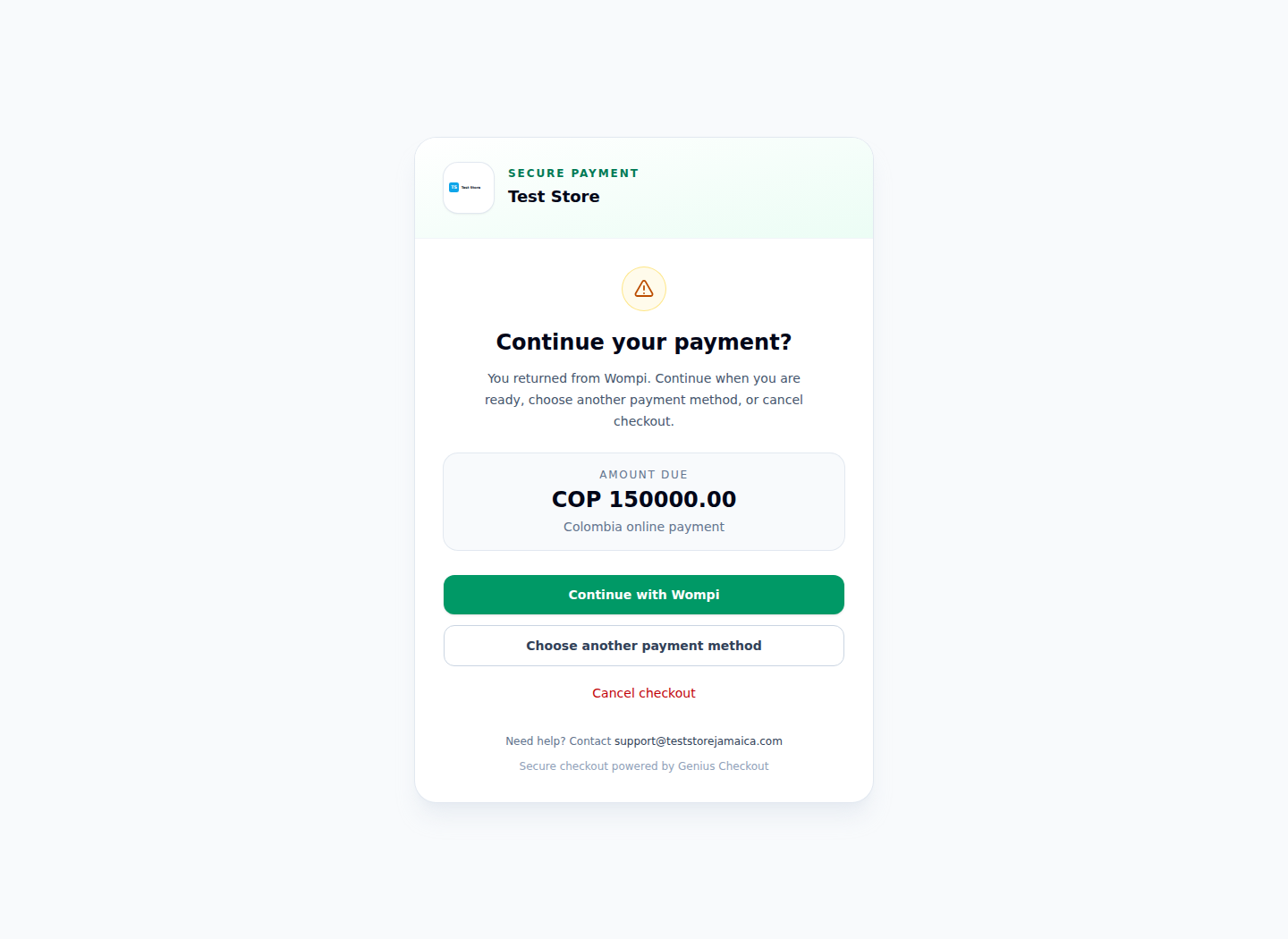
The real Test Store flow is restricted to Wompi, the gateway that presents PSE when the merchant and transaction qualify.
Build for pending, cancellation, and retry
Show a pending message while the bank flow is open. Offer a clear cancellation route. If the buyer retries after a rejection or abandoned attempt, create a new Genius Checkout session and transaction. Keep the commerce order reference in metadata so staff can group the attempts without reusing a gateway order ID.
Webhooks and provider status checks should settle delayed results. The browser return helps the user continue, but the server-side provider state decides whether the order is paid.
Test PSE as a separate method
Use Wompi test credentials and confirm the PSE option appears. Record the selected bank, Wompi transaction ID, Genius Checkout transaction ID, final status, and timestamps. Test these cases:
- buyer completes the bank approval;
- buyer cancels at the bank;
- buyer closes the window before returning;
- the callback arrives after the buyer left;
- the same commerce order starts a fresh attempt.
Sources and next step
- Wompi Colombia payment methods, including PSE
- Genius Checkout Wompi overview
- Genius Checkout supported integrations
Create a Genius Checkout account or book a PSE connection review.