
On this page
Genius Checkout currently connects Colombian merchants to Wompi Web Checkout in COP. You configure Wompi once, then use that payment connection with supported storefronts, CRM sales pages, payment links, donation forms, or a custom application.
Wompi decides which payment methods appear for each merchant and transaction. Its Colombia documentation lists cards, Botón de Transferencia Bancolombia, Nequi, PSE, Bancolombia QR and cash correspondents, Puntos Colombia, BNPL Bancolombia, DaviPlata, and SU+ Pay. Your Wompi agreement may enable a smaller set.
Last reviewed: September 25, 2026.
Start with the way your customers prefer to pay
A buyer with a Colombian bank account may prefer PSE. A Nequi user may want to approve the purchase on a phone. A Bancolombia customer may choose the bank's transfer option. Cards remain useful for international buyers and customers who want installments where their issuer supports them.
Use the controlled Wompi checkout to confirm the methods your account can present. Marketing a method before it appears in your own test checkout creates support problems at the point of sale.
Connect Wompi to the software that owns the sale
Genius Checkout keeps the Wompi credentials and payment timeline in one merchant account. The selling platform keeps the product, booking, donation, or customer record.
- HighLevel can send a funnel or product payment into Genius Checkout.
- WooCommerce can create a unique payment attempt for each checkout or order retry.
- Ecwid can send the order into the same hosted Wompi flow.
- GiveWP can use the connection for eligible donation payments.
- Payment links and QR codes work when you do not need a full storefront.
The original order reference stays attached to the transaction. Each new attempt receives its own Genius Checkout session and transaction record, so a declined payment does not get rewritten as a later success.
Configure the four Wompi secrets as one environment
Wompi supplies a public key, private key, integrity secret, and events secret. Add the test set to Genius Checkout test mode and the production set to live mode. A public key from one environment cannot be paired with secrets from another.
The integrity secret signs the checkout parameters. The events secret verifies Wompi notifications. Genius Checkout also checks the provider result rather than treating the buyer's browser return as proof of payment.
Account for pending payment methods
PSE and several wallet or bank flows can remain pending while the buyer moves to a banking application, approves a request, or returns from another page. Your order system should wait for an authoritative result from Wompi and Genius Checkout.
Do not mark an order paid because a redirect URL loaded. Keep PENDING, APPROVED, DECLINED, VOIDED, and ERROR distinct in support and reconciliation procedures.
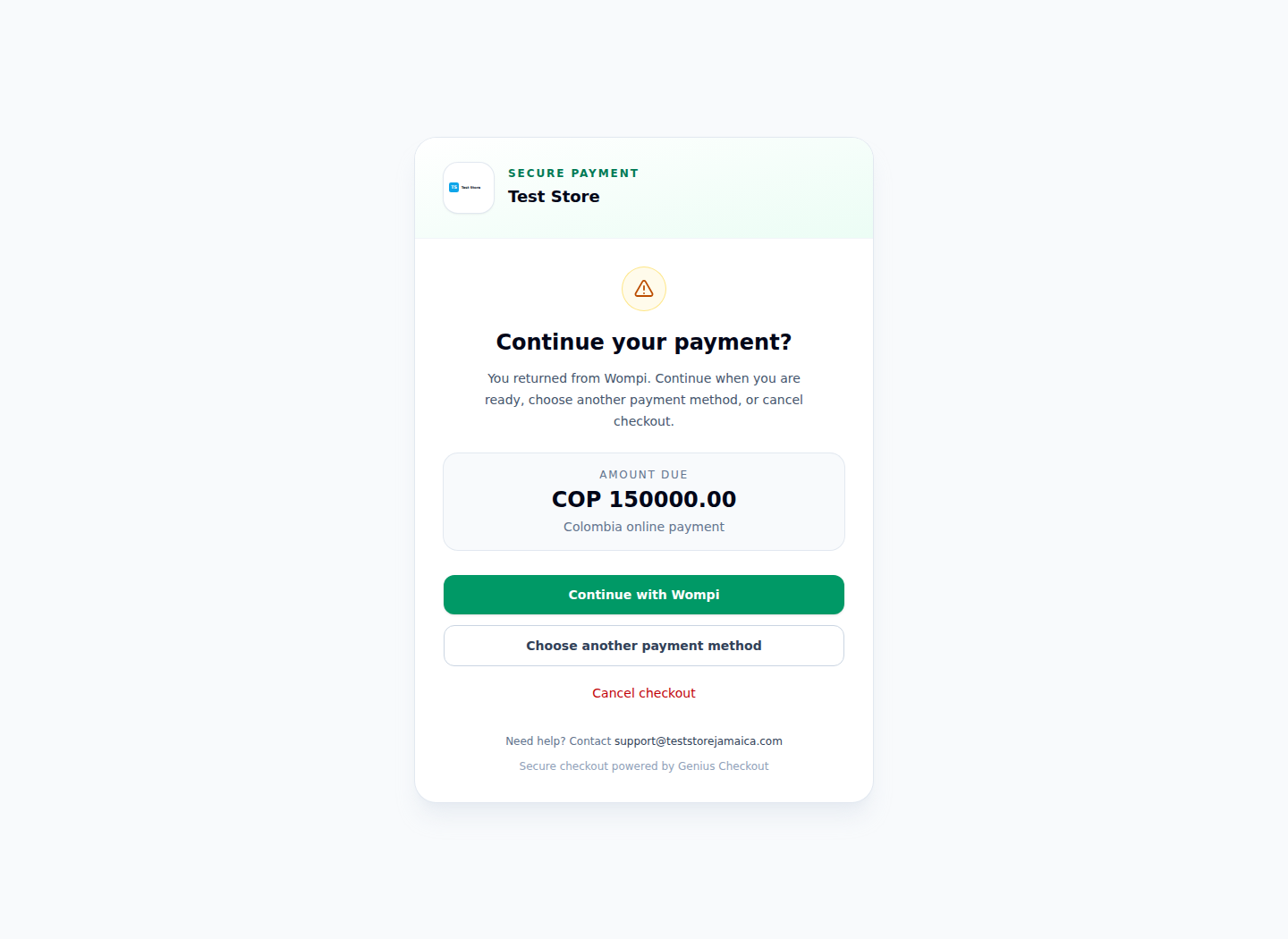
Real Test Store flow restricted to Wompi. No unrelated payment gateway is shown.
Test one path per advertised method
A successful card test says nothing about a PSE bank redirect or a Nequi push approval. Test each method that you plan to name on the website.
Record the commerce order, Genius Checkout session, Genius Checkout transaction, Wompi reference, selected method, UTC time, and final status. Run an approval, buyer cancellation, pending result, rejection, browser Back action, and delayed event. Confirm that staff can find the same payment in the selling platform, Genius Checkout, Wompi, and the settlement report.
Keep country support precise
Wompi also operates in other countries, but its hosts, currencies, credentials, and payment methods differ. The current Genius Checkout Wompi connector supports Colombia and COP. It does not market Colombia's PSE or Nequi flow as a Panama, Guatemala, or El Salvador capability.
Sources and next step
- Wompi Colombia payment methods
- Wompi Colombia Widget and Web Checkout
- Genius Checkout Wompi overview
- Genius Checkout HighLevel integration
Create a Genius Checkout account or book a connection review for your Wompi Colombia account.