

On this page
PSE gives a Colombian buyer a way to pay from a participating savings or current account. Genius Checkout connects an eligible Wompi Colombia checkout to HighLevel so the sales page can offer that bank-payment journey without trying to process PSE inside HighLevel itself.
Last reviewed: September 25, 2026.
Follow the complete PSE journey
HighLevel sends the order and supported buyer details to Genius Checkout. The buyer continues to Wompi, selects PSE, chooses a financial institution, and completes authorization with the bank. Genius Checkout verifies the provider result before returning the final status to HighLevel.
PSE is asynchronous. The first result may be pending, and the buyer can leave the original browser while completing the bank step. A thank-you page is not proof that money moved.
Use a secure top-level handoff
A participating bank may block its page inside an iframe. Genius Checkout moves the Wompi flow to the top-level browser when necessary, preventing the blank or blocked frame that an embedded payment journey can produce. HighLevel remains the source of the order.
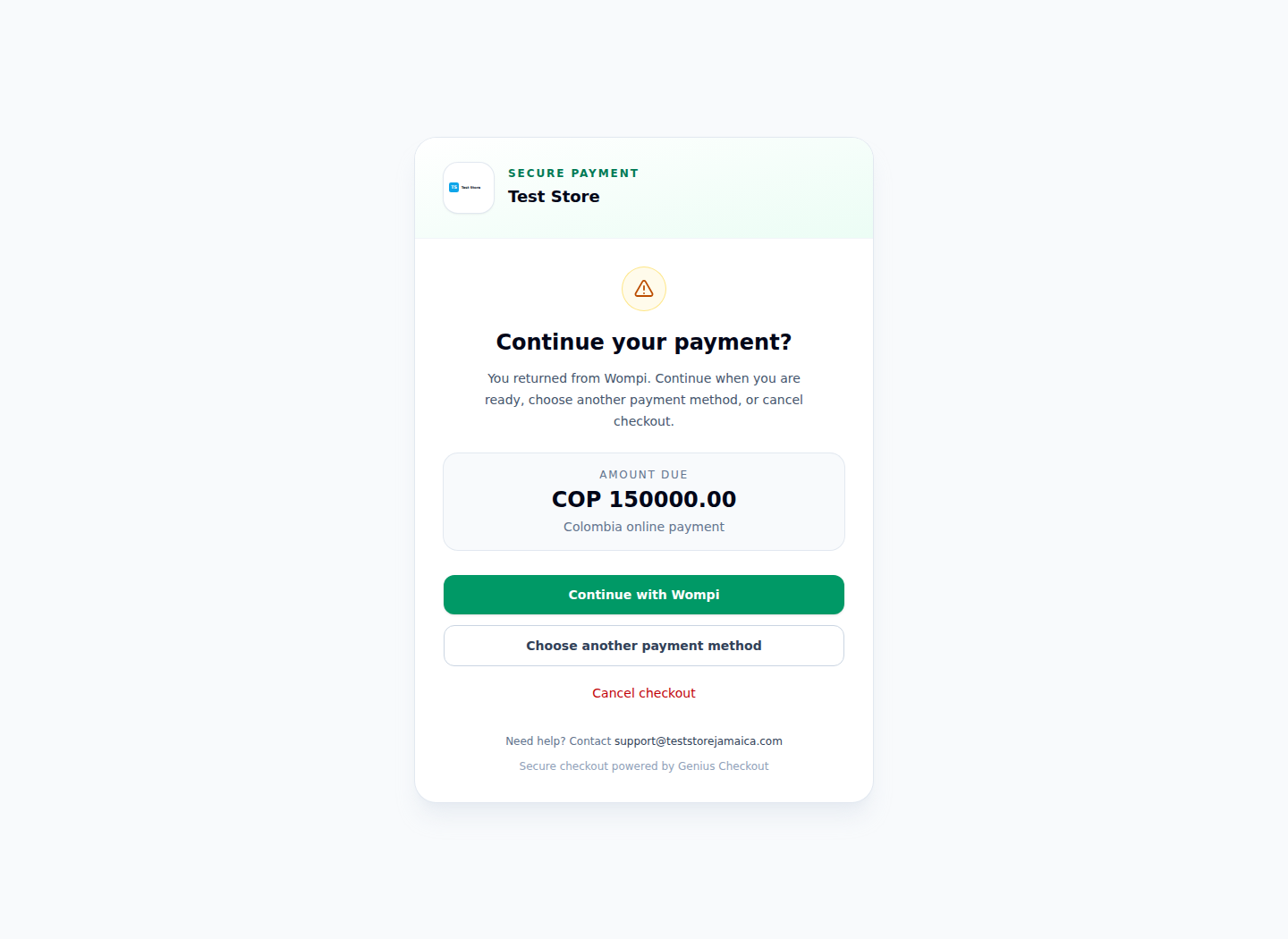
The real Test Store screen contains only the Wompi return flow used for eligible methods such as PSE.
Preserve accurate payer information
Send the payer's name, email, phone, document data, and address only when HighLevel or the buyer supplied them. Genius Checkout should not invent an address to make a provider request pass validation. Provider-specific character normalization must not overwrite the original customer record.
Configure and test
- Configure one complete Wompi credential set in Genius Checkout test mode.
- Connect the intended HighLevel location through the Genius Checkout marketplace app.
- Create a low-value COP test product.
- Confirm PSE appears for that merchant and transaction.
- Test approval, cancellation, pending status, delayed event delivery, and retry.
When a customer retries, create a fresh payment attempt. Keep the HighLevel order ID as the shared business reference, but never reuse a failed provider transaction.
Make the status useful to staff
Store the HighLevel order ID, Genius Checkout session and transaction IDs, Wompi reference, chosen institution, UTC time, and final status. A support agent should be able to explain whether the buyer cancelled, the bank rejected the debit, the event is still pending, or the payment completed.
Sources and next step
Book a PSE connection review before publishing the payment method in a HighLevel funnel.