
WordPress payment plugin
Connect Caribbean payment gateways to WooCommerce
Use Genius Checkout for WooCommerce with Powertranz, MPGS, Lynk, Wompi, NCB eCommerce, or Sagicor eCommerce merchant accounts.
Connexion
WooCommerce et Genius Checkout
The Genius Checkout WooCommerce plugin connects a WordPress store to the supported payment account a merchant already received from a bank or gateway.
Buyers move through a branded checkout. WooCommerce receives the payment result, transaction reference, and available payment-method details.
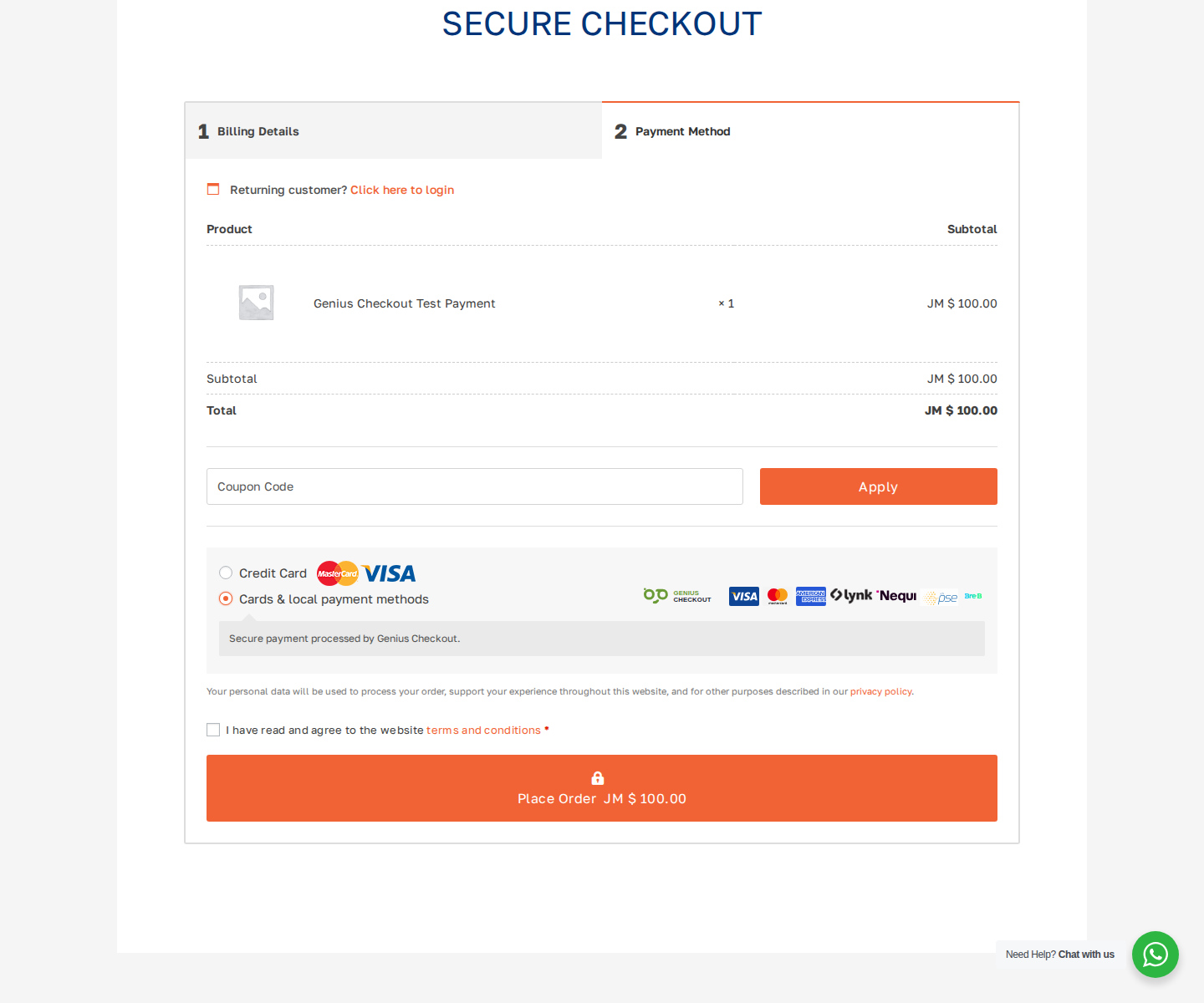
Parcours disponible
Compatible avec
- One-time WooCommerce checkout
- WooCommerce Subscriptions flows with a compatible saved-payment method
- Refund requests from the order screen when the gateway supports the action
- Buyer-facing payment-method hints without exposing full account or card data
- Test and live mode separation
Parcours de mise en œuvre
Connectez-vous sans approximation
Utilisez les identifiants et paramètres fournis par votre prestataire de paiement.
- 01
Connect your merchant account
Add the credentials supplied by your bank, gateway, or wallet provider to Genius Checkout. Test and live credentials stay separate.
- 02
Connect the software
Install or authorize the Genius Checkout integration for the platform. The connection keeps gateway credentials outside the store or CRM.
- 03
Run a controlled test
Use the approved test mode, verify the return flow and order status, then repeat the checklist in live mode with a permitted low-value transaction.
Avant de commencer
Ce dont vous aurez besoin
Gardez vos identifiants de production confidentiels et saisissez-les uniquement dans votre espace marchand sécurisé.
- A supported WordPress and WooCommerce installation
- The current Genius Checkout plugin
- A Genius Checkout merchant and API credentials
- At least one configured payment gateway
Questions des marchands
Réponses avant la connexion
Can WooCommerce use NCB eCommerce?
Yes when the merchant account uses a supported Powertranz configuration. Confirm the credentials and capabilities from NCB’s onboarding material.
Can WooCommerce use Sagicor eCommerce?
Yes when the merchant has a supported MPGS account and configures the matching MPGS mode.
Does the plugin support subscription renewals?
Renewals require a compatible saved-payment token and a merchant plan and gateway configuration that allow recurring charges.
Prêt à connecter WooCommerce ?